
Set up POS Security Profile
In POS Security Profile it is possible to set up the administrator password, and the password for unlocking a POS unit after the unit has been locked due to non-activity.
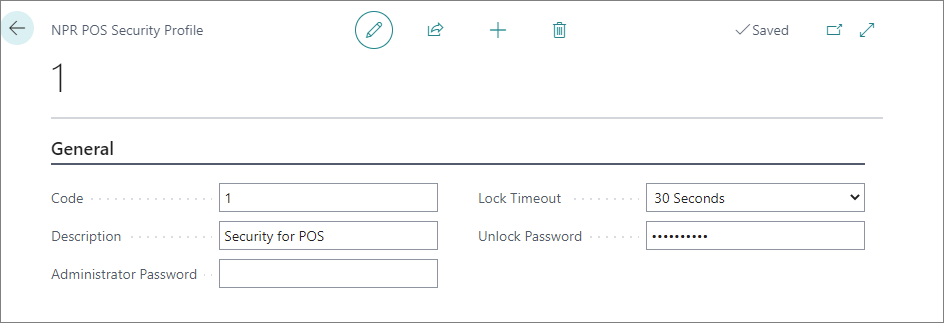
To set up the security profile, follow the provided steps:
-
In General insert Code and Description.
The Code has to be unique for for each profile, while the Description field should contain a short description of the profile. -
Provide the Administrator Password.
It can be assigned to different buttons in the POS menu, so if someone presses a button, the administrator password should be provided in the pop up window. -
Set the Lock Timeout, i.e. the time of non-activity after which the POS unit will be locked.
-
Provide the Unlock Password.
This password will be used for unlocking the POS unit.