
Install Self-service Minor Tom
Install Self-service Minor Tom
Install the standard layout for the non-customized SaaS self-service module
Follow the provided steps for installing the standard layout for the non-customized SaaS self-service module.
-
Download and install Self-Service Minor Tom.
-
Download and install HW Connector
-
Once installed, open the self-service Minor Tom, and provide the POS-relevant information in the available fields.
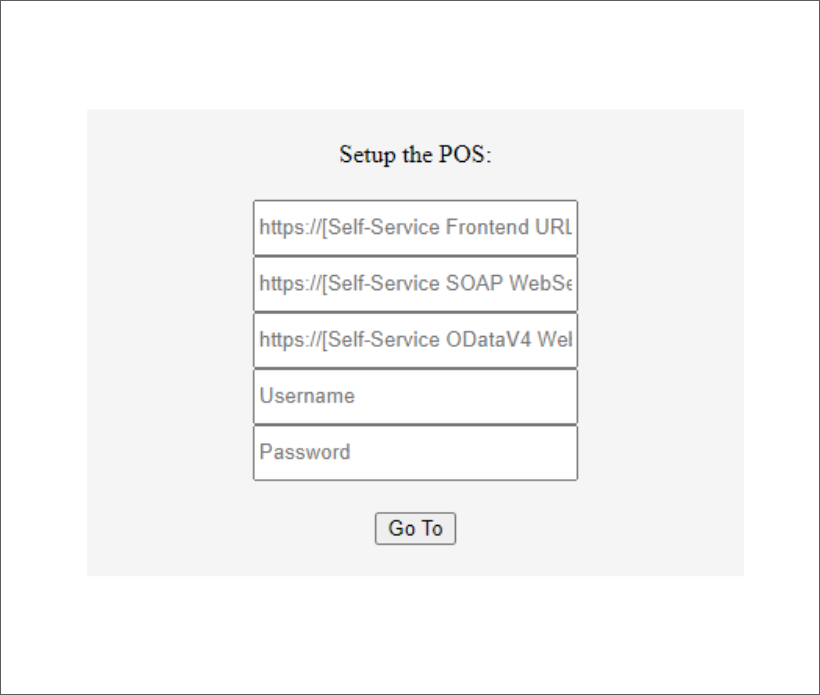
After entering the information, a window showing all configuration settings appears.
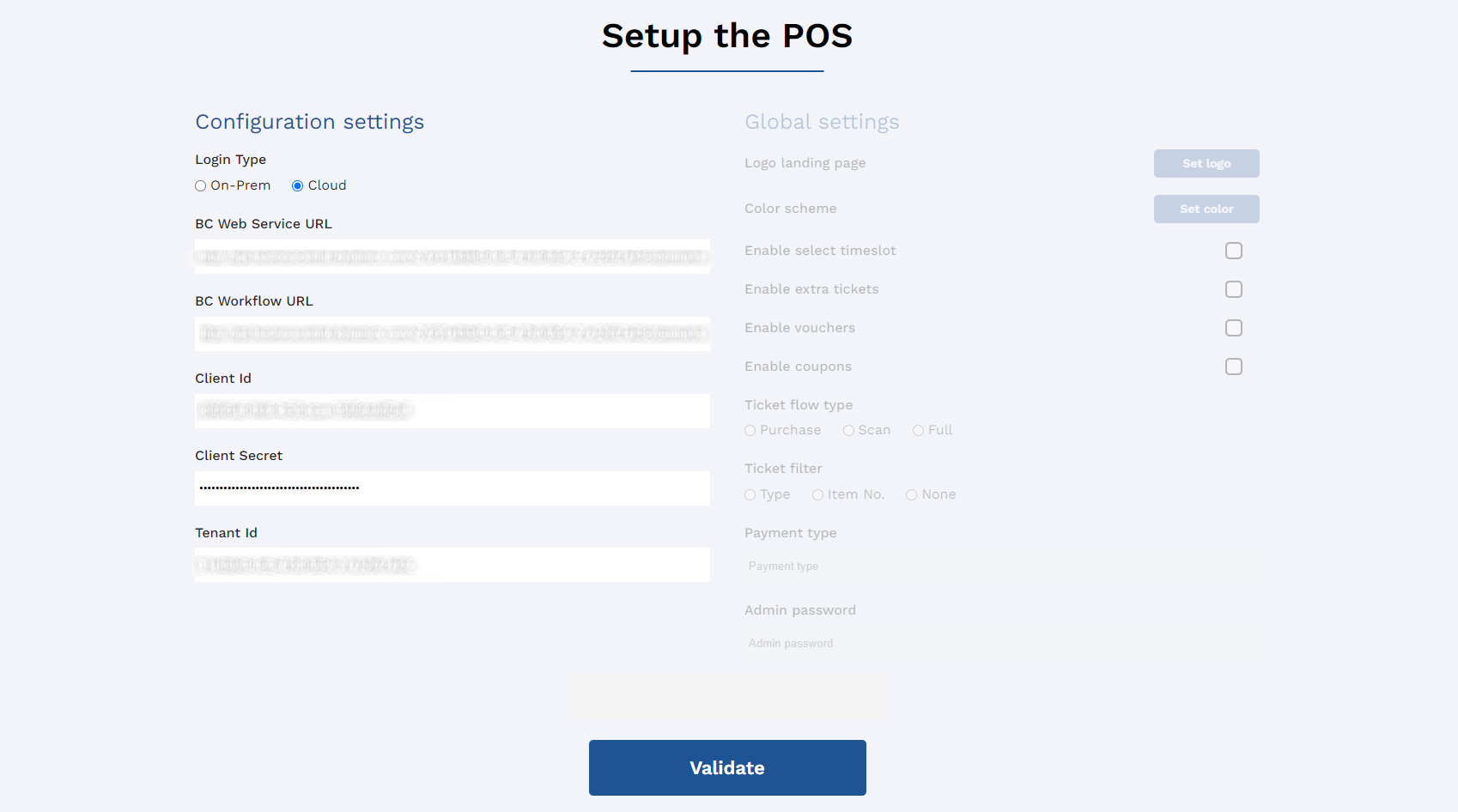
- If you’re satisfied with the configuration, click Validate.