
Membership options - Magento Webadmin
Membership options - Magento Webadmin
Although Membership setup is largely conducted by NaviPartner consultancy team, there are still several options that you can take a note of.
If you navigate to the NaviPartner > Membership > Membership Settings administrative section of Magento Webadmin, you can see the following options, provided that NaviConnect credentials are in use, and that the Membership module is enabled in the environment:
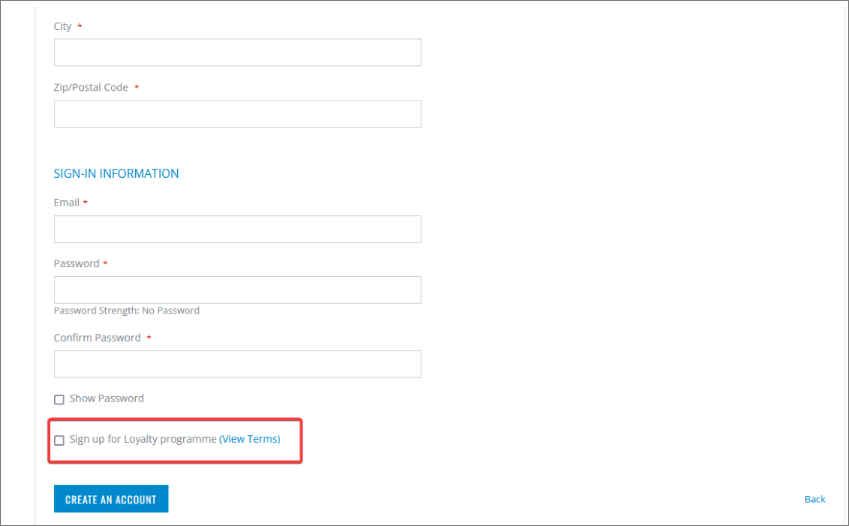
Membership information setup
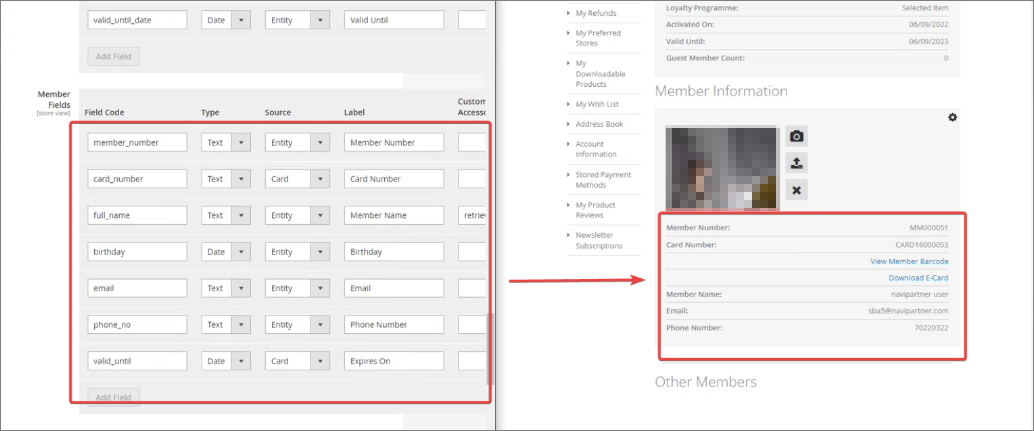
Some of the fields that end-users can see in their My Account page in the web store can be customized in Magento Webadmin, if you navigate to NaviPartner > Membership > Account Dashboard.
Additionally, you can configure the available information on the My Membership page in the web store in NaviPartner > Membership > My Membership view.
Membership template setup
The templates that are applied to the customer memberships (e.g. BRONZE, GOLD, etc.) can be configured in Membership Setup, through the Customer Config. Template Code column. You can see the list of all available templates, in the Configuration Templates administrative section.
It’s also possible to add new custom fields like Magento Shipping Group, Magento Store Code, and Magento Display Group. However, they need to be created in Magento Webadmin first, and then linked to each corresponding template on a member.