Configure stock-take
Configure stock-take
After a template is created, a stock-take configuration may be created using the selected template.
Each stock take requires a specific configuration, depending on the location, calculation date, and other factors. After a template is created, a stock-take configuration can be created using the selected template. A single stock-take configuration can be used to create multiple stock-take worksheets.
Prerequisite
- Create a stock-take template.
Procedure
-
Search for Stock-Take Configurations, and choose the related link.
-
Click New.
-
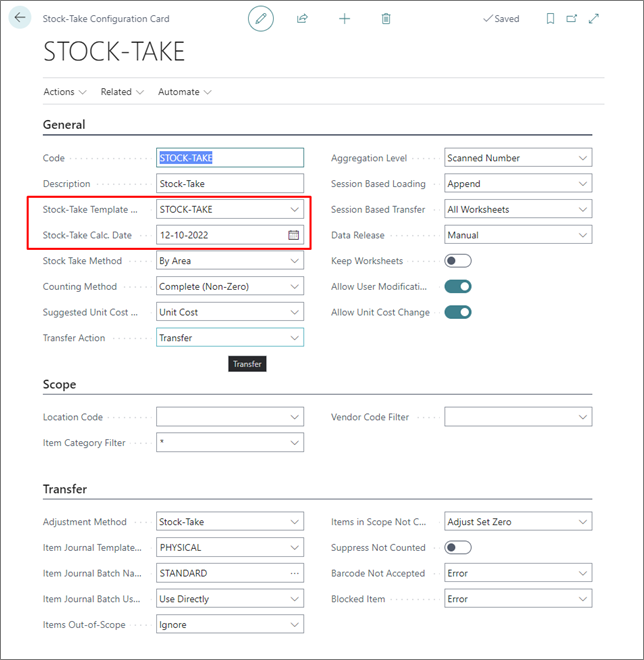
Fil in Code, Description, Location Code (optional), and Stock-Take Calculation Date (the date for which the inventory should be calculated - the current stock-count will be based on this date).
-
Populate the Stock-Take Template Code to get all settings from the template.
If a template doesn’t exist, you can create a new one from here.Note: Templates can include the Location Code, which may be altered when selecting a template.