Set up item categories
When creating item categories, the same item category card is used for creating both parent and children item categories.
To set up item categories, follow the provided steps:
Create a parent item category
To create a new parent item category, follow the provided steps:
- Search for Item Categories, and choose the related link.
A list of all existing Item Categories is displayed. - Click New.
The Item Category Card pop-up window is displayed. - For the parent item category, populate the following fields in the General section:
- Fill all necessary fields in the Attribute section.
Create a child item category
To create new child item category, follow the same steps as above:
- Search for Item Categories, and choose the related link.
A list of all existing Item Categories is displayed. - Click New.
The Item Category Card pop-up window is displayed. - For the parent item category, populate the following fields in the General section:
- Fill all necessary fields in the Attribute section.
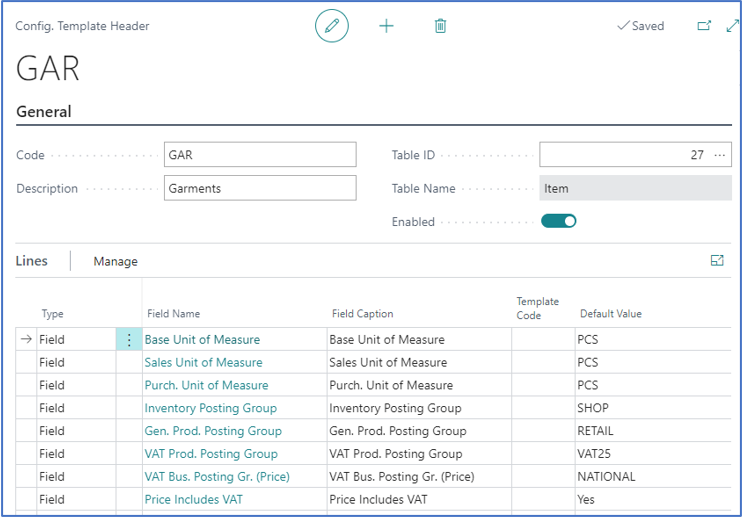
Item template example