
Register Shopify custom app
To create the custom app, follow the provided steps:
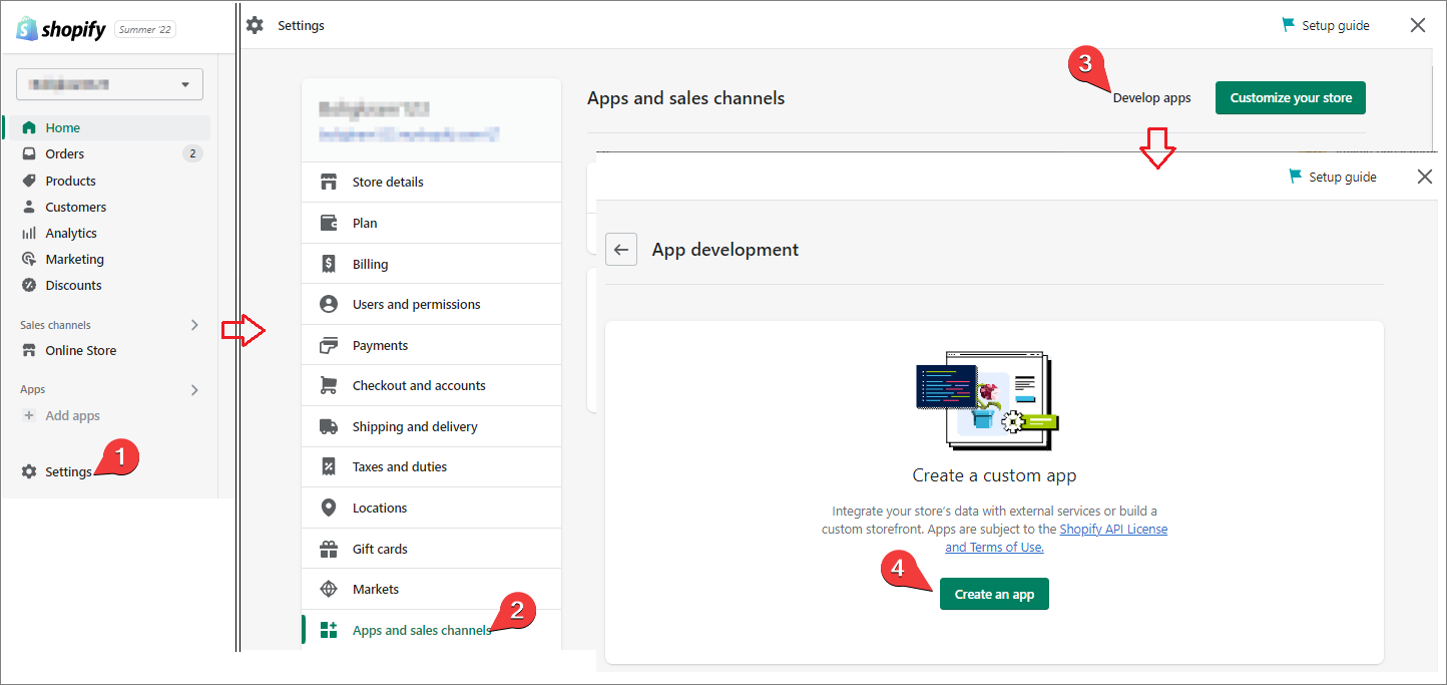
- Navigate to the Shopify store admin page.
- Navigate to Settings > Apps and sales channels > Develop apps.
The App development screen is displayed. - Click Create an app.
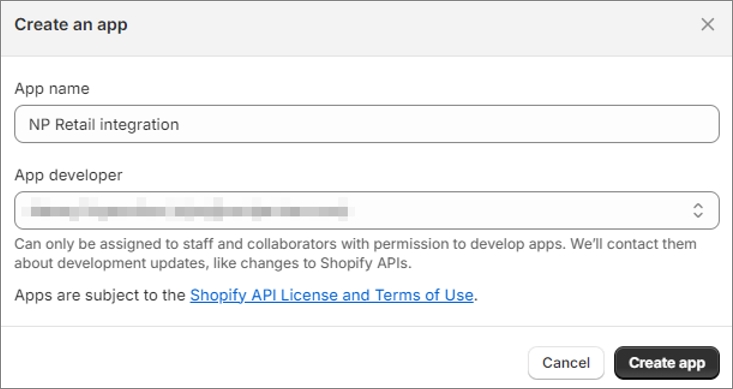
A window for providing additional app information is displayed.
- Use NP Retail Integration as the name of the app.
- Click Create app.
- Assign admin API access scopes (permissions) to the app by selecting the app, going to Configuration > Admin API Integration.
- Configure the API integration by assigning the following API access scopes:
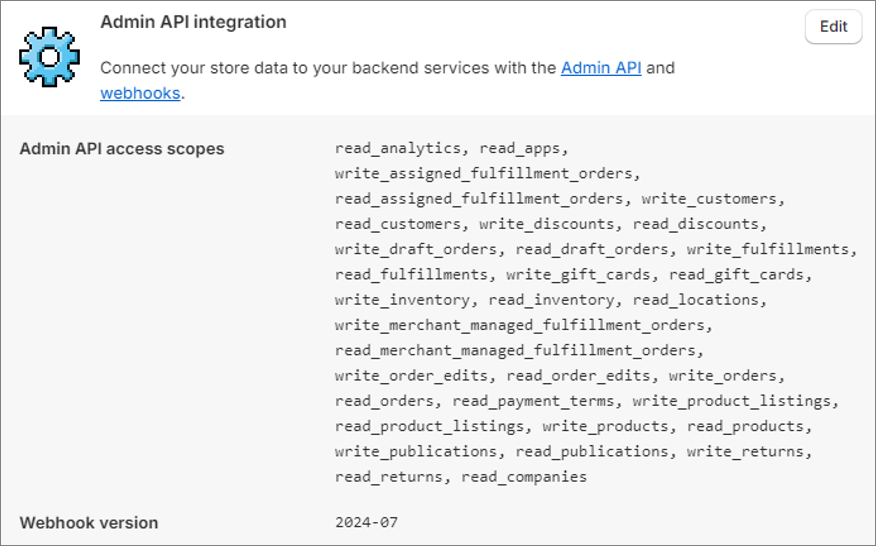
(read_analytics, read_apps, write_assigned_fulfillment_orders, read_assigned_fulfillment_orders, write_customers, read_customers, write_discounts, read_discounts, write_draft_orders, read_draft_orders, write_fulfillments, read_fulfillments, write_gift_cards, read_gift_cards, write_inventory, read_inventory, read_locations, write_merchant_managed_fulfillment_orders, read_merchant_managed_fulfillment_orders, write_order_edits, read_order_edits, write_orders, read_orders, read_payment_terms, write_product_listings, read_product_listings, write_products, read_products, write_publications, read_publications, write_returns, read_returns, read_companies).
-
Once you’ve assigned and saved the admin API access scopes, click Install app.
Shopify installs the new app to your store and generates the Admin API access token as a result.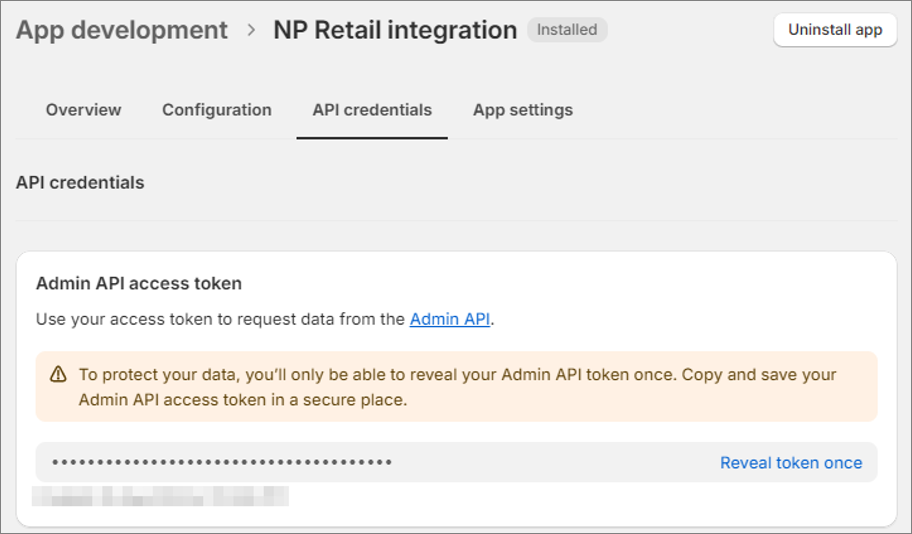
This access token needs to be copied to your Shopify Store Setup administrative section in Business Central.