> This page is for Product Documentation.
> For clean Markdown of any page, append .md to the page URL.
> For a complete documentation index, see https://docs.navipartner.com/llms.txt.
> For AI client integration (Claude Code, Cursor, etc.), connect to the MCP server at https://docs.navipartner.com/_mcp/server.
# MPOS menus
> MPOS menus can be customized in the MPOS Editor.
All NP Retail POS menus and buttons can be created and edited in the [MPOS Editor](/product/retail-pos-layout-pos-editor).
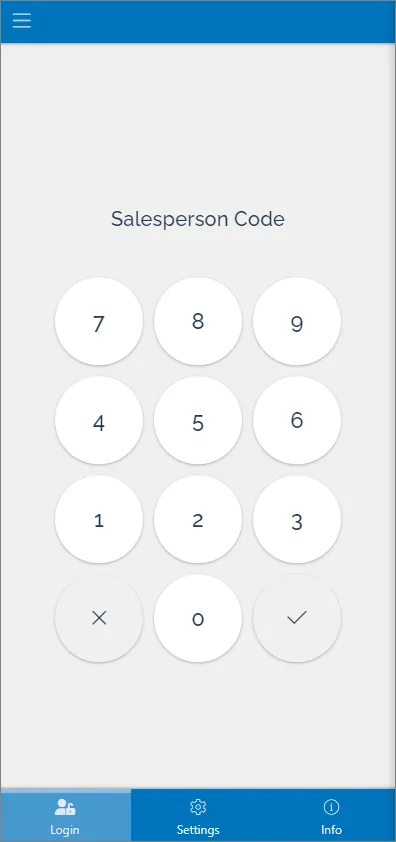
## LOGIN
This menu is displayed in the login view. It usually consists of buttons created for printing, settings, and general information.
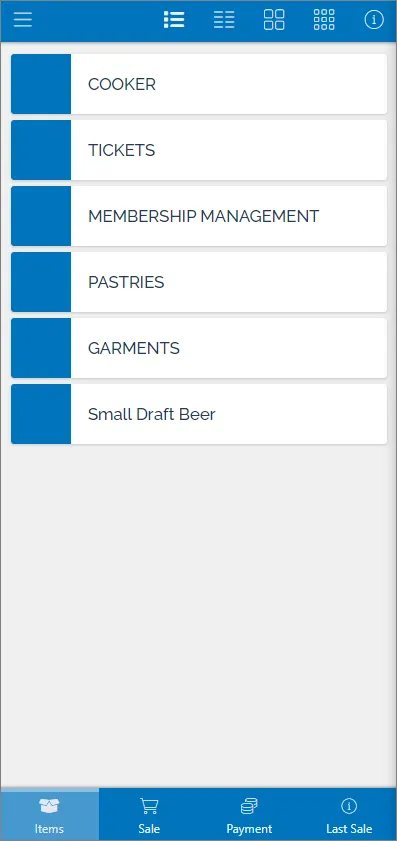
## ITEMS
Item menus allow users to browse through the list of products, and select them for sales.
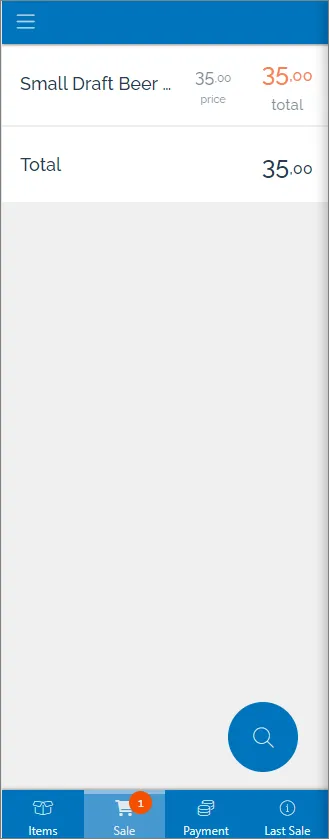
## SALE
Sale menus are used to view, modify, and delete the selected sales items.
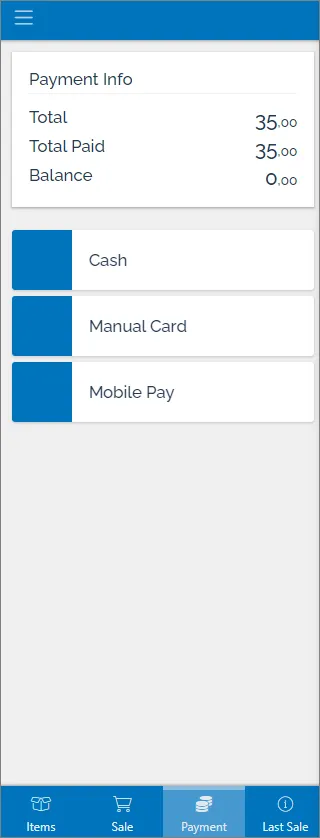
## PAYMENT
Payment menus are used for creating, modifying, and deleting payments.
This page contains the list of all created menus. Menus can be defined for all POS units or for specific ones, in which case it is necessary to provide the **POS Unit No.** of that specific POS unit. It is also possible to provide access to some menus only to specific salespeople, in which case the **Salesperson code** needs to be provided as well.
#### See also
* [MPOS action setup for Scandit](/product/retail-mpos-scandit)
* [Establish a connection between a receipt printer and an iPad/iPhone](/product/retail-mpos-bluetooth)
* [Create new buttons in the MPOS menu](/product/retail-mpos-add-buttons)