> This page is for Product Documentation.
> For clean Markdown of any page, append .md to the page URL.
> For a complete documentation index, see https://docs.navipartner.com/llms.txt.
> For AI client integration (Claude Code, Cursor, etc.), connect to the MCP server at https://docs.navipartner.com/_mcp/server.
# POS unit setup
> In the POS Unit Card, there are specific profiles that need to be set up for the Restaurant module.
In the POS Unit Card, you need to set up the **POS View Profile** and the **POS Restaurant Profile** for the Restaurant module.
## POS View Profile
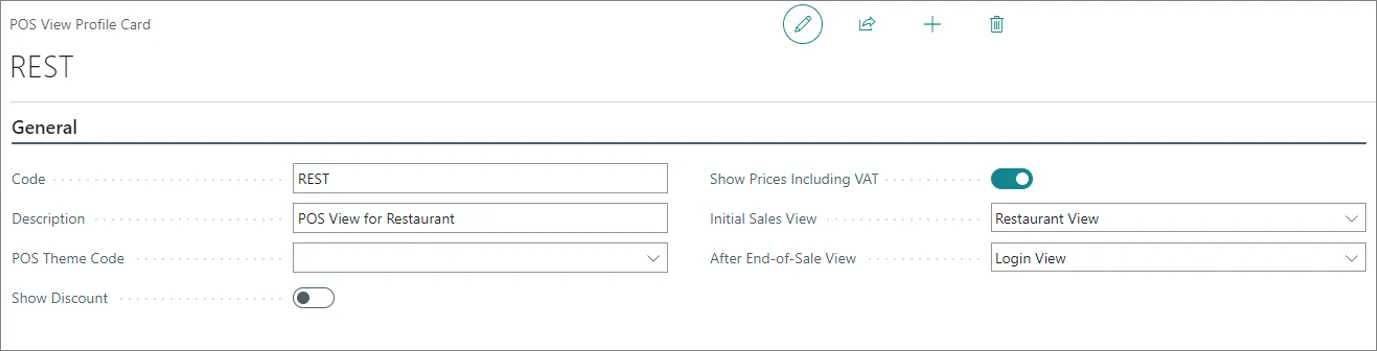
If you wish to be greeted with the **Seating Floor View** as soon as you've logged into the POS unit, you need to select **Restaurant View** in the **Initial Sales View** dropdown in the **POS View Profile**
## POS Restaurant Profile
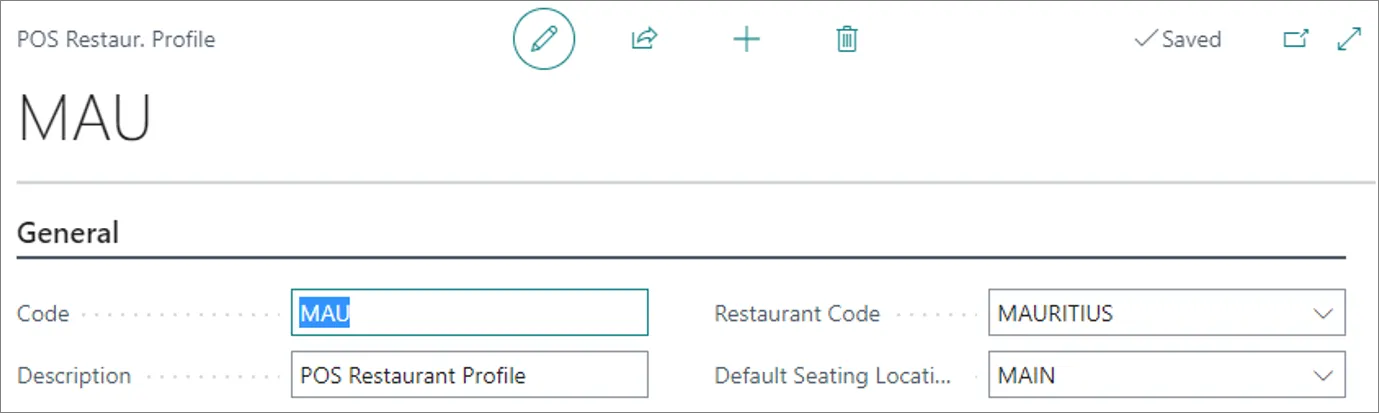
In the **POS Restaurant Profile** of a POS unit, you can select which restaurant will be using a particular POS unit.
## POS locking during terminal payments
When a card payment is taken on a connected terminal (for example, an Adyen terminal), the behaviour affects how many POS units a busy restaurant needs:
* **A payment in progress locks the POS unit, not just the payment terminal.** While the terminal is waiting for the customer to complete the payment, the entire POS unit is occupied. Staff cannot use that POS unit to start or continue another order until the current payment finishes or is cancelled.
* **Concurrent ordering requires separate POS units.** Because one payment locks its POS unit, taking orders and payments at the same time is achieved by having more than one POS unit — each can take a payment independently.
> **Note:** Adding more terminals to a single POS unit does not enable concurrent ordering on that unit, because the unit itself is locked during a payment. Plan the number of POS units around how many payments must be able to run at once.
#### See also
* [Create a new POS unit](/product/retail-pos-processes-create-pos-unit)
* [POS View Profile](/product/retail-pos-profiles-view-profile-ref)